
Authentication
The workflow engine uses JWT Token for authentication. accessToken expires after 5 days.
- Login API reference: Get Token
- Unified login with business systems: User Authentication
Using Token
Most workflow pages support passwordless browser access by appending hzToken to the URL:
/workflow/module/workflow/index.html?flowId=NewFlowId1&isembedded=false&hzToken=xxxxProcess approval page
Normal URL:
/workflow/module/workflow/index.html?flowId=NewFlowId1&isembedded=falsePasswordless URL:
/workflow/module/workflow/index.html?flowId=NewFlowId1&isembedded=false&hzToken=xxxMenu SSO
Note: For menu pages, place the hash fragment (
#...) after the query string.
Format:
/horizon/manager/index.html?hzToken=xxxxx#page/HZ2886895e7dfbbb015e7e09de7f0001Example — process modeling menu:
- Normal:
http://219.141.180.186:9003/workflow82/workflow/manager/index.html#page/createFlow - Passwordless:
http://219.141.180.186:9003/workflow82/workflow/manager/index.html?hzToken=xxx#page/createFlow
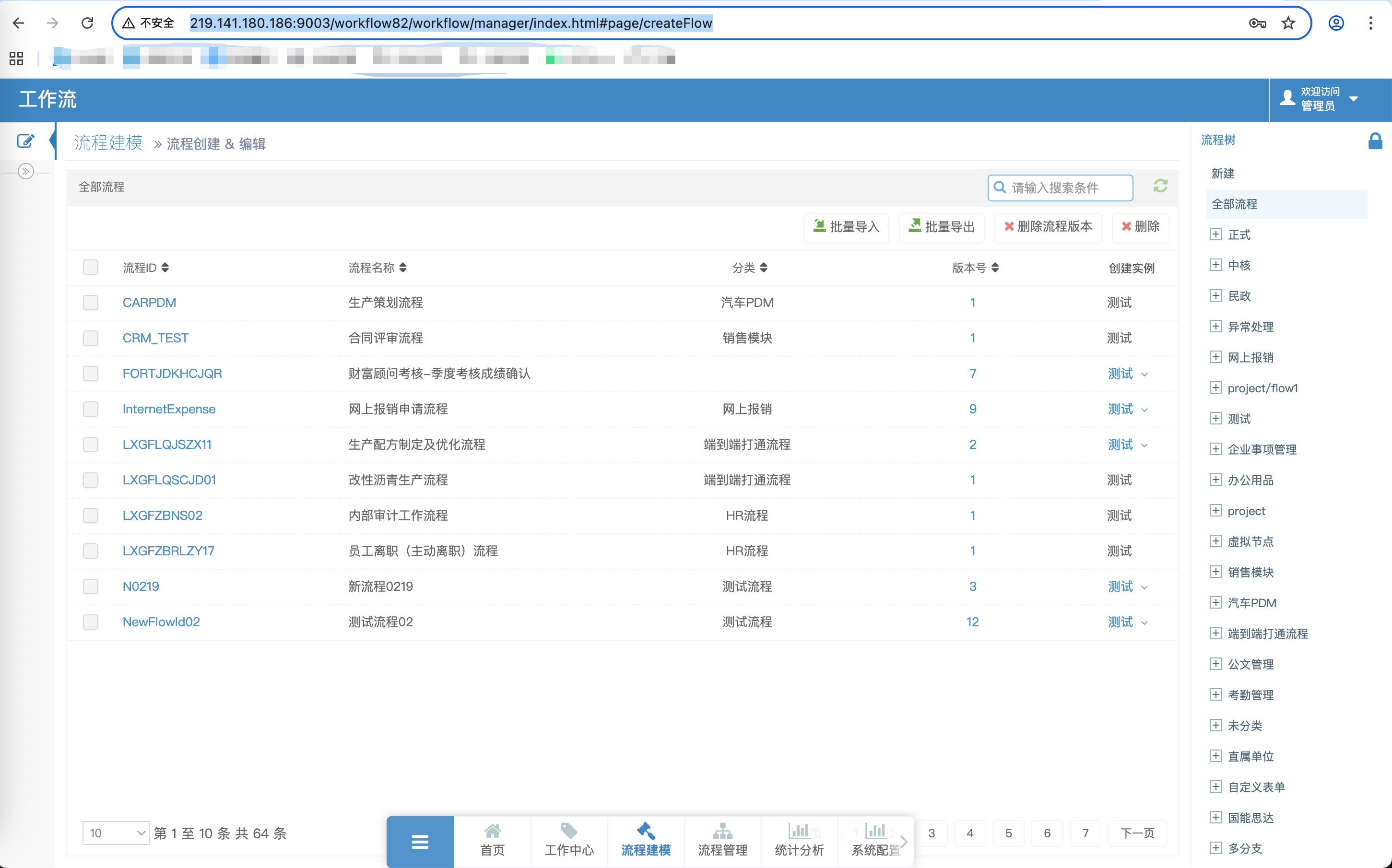
Permission management
Default roles
| Role | Description | Permissions |
|---|---|---|
admin | Administrator | Full access |
user | Regular user | Task processing |
Custom permissions
To customize permission logic, extend and implement:
com/horizon/third/adapter/FlowManageAdapter.javaNote: JARs starting with
horizon-workflow-extendinclude Java source code.
Process administrators
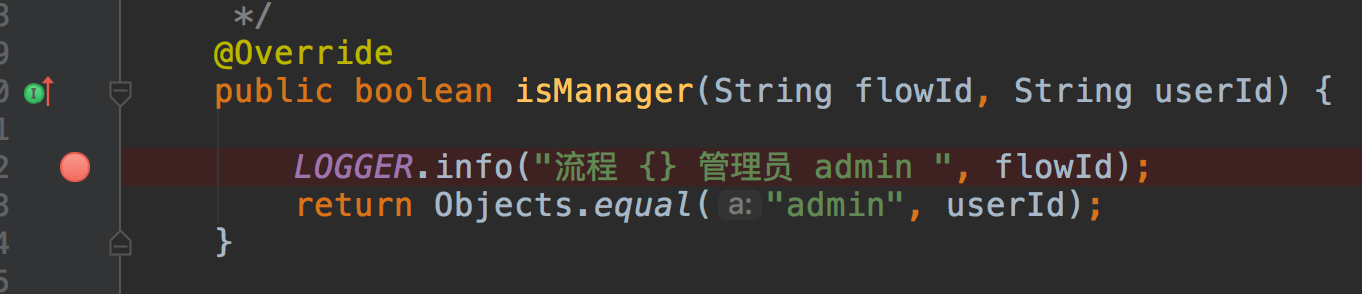
Process design permissions
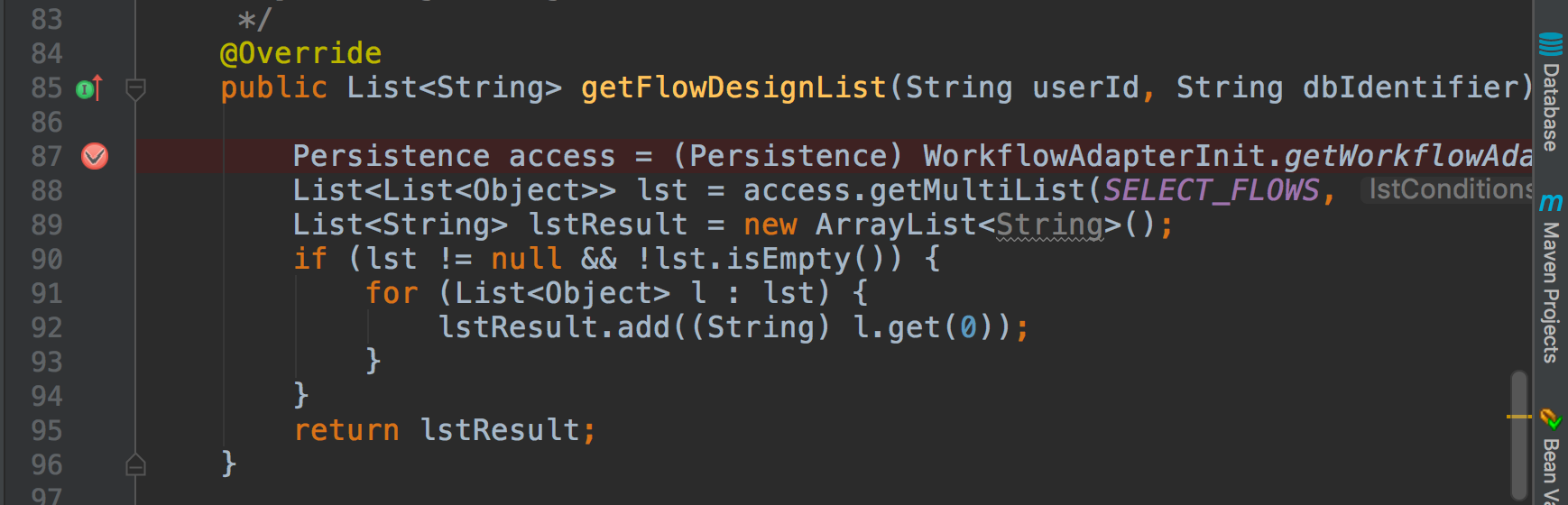
Best practices
- Token security: Do not store tokens in browser local storage
- Refresh: Refresh tokens before expiry
- Least privilege: Grant only necessary permissions
- HTTPS: Use HTTPS in production